Support
How can we help?
Set-up takes about a minute. Below you'll find the quick-start steps, the three conversation modes, and answers to common questions. If you're still stuck, reach out directly — we typically reply within a couple of business days.
Quick setup
Translation is powered by a cloud AI that you choose, using your own free API key — so your usage stays private and free.
2
Paste it in
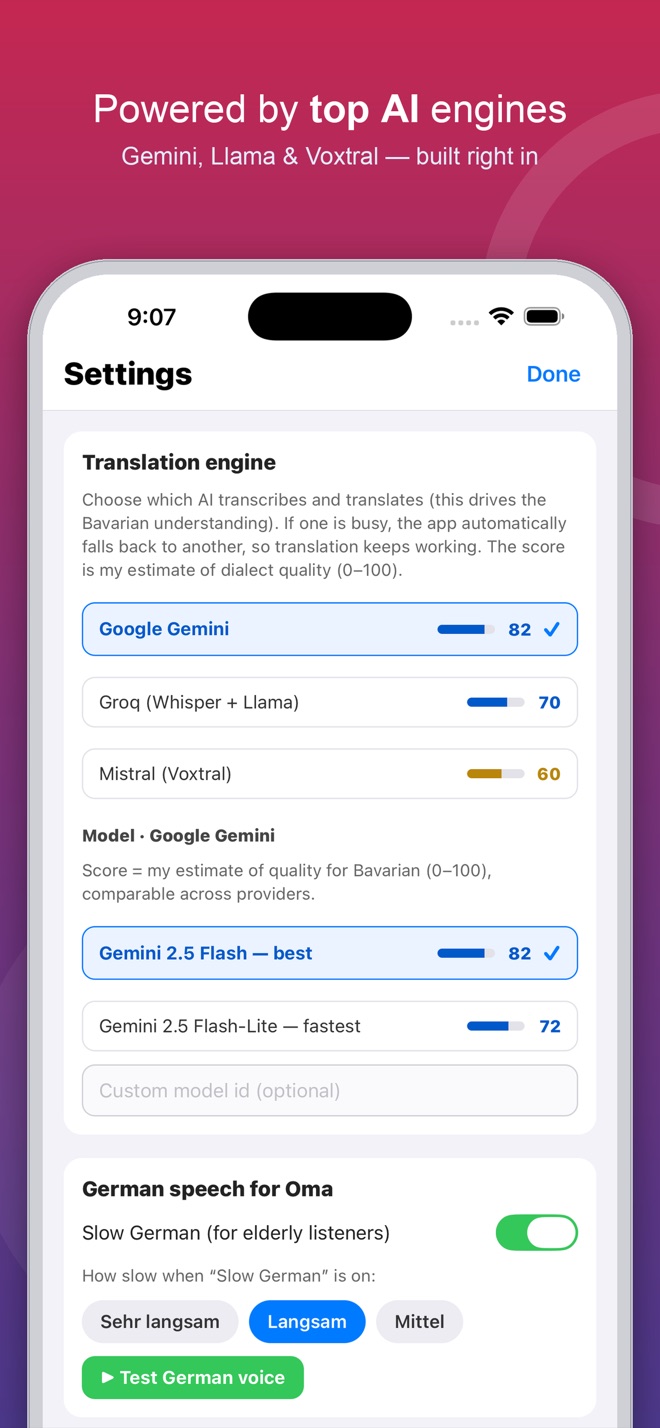
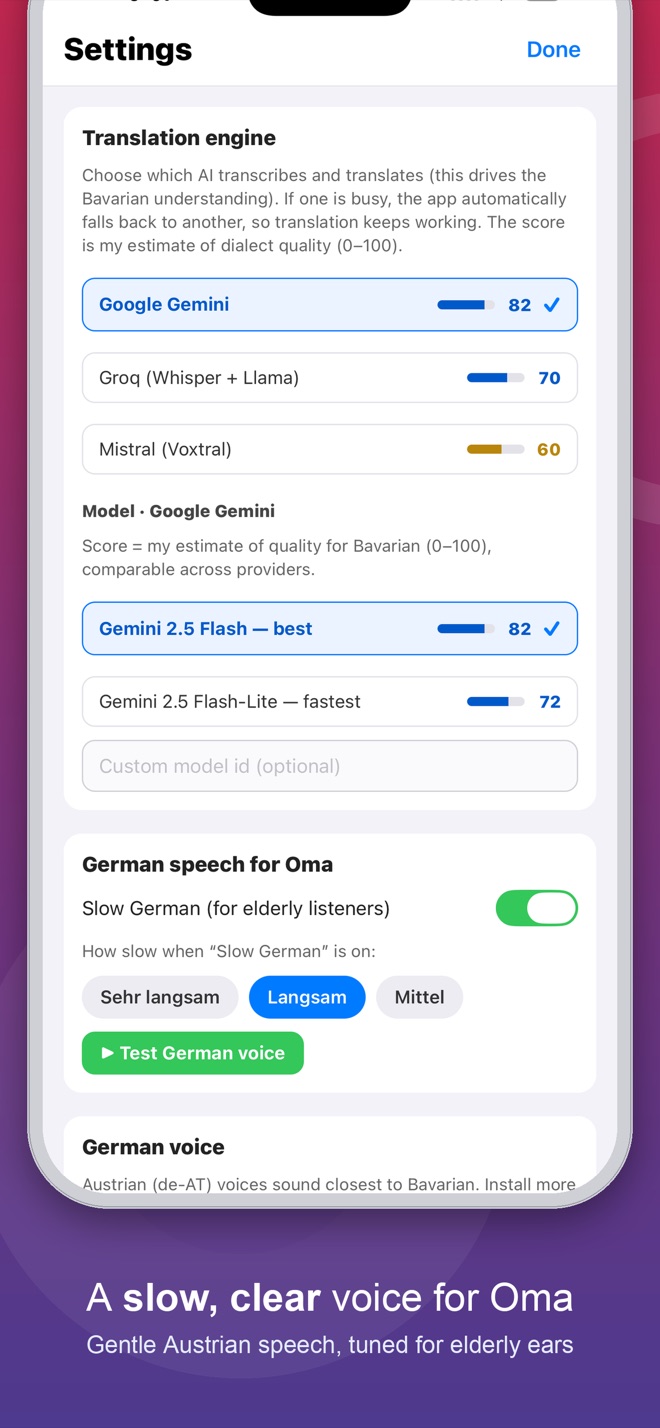
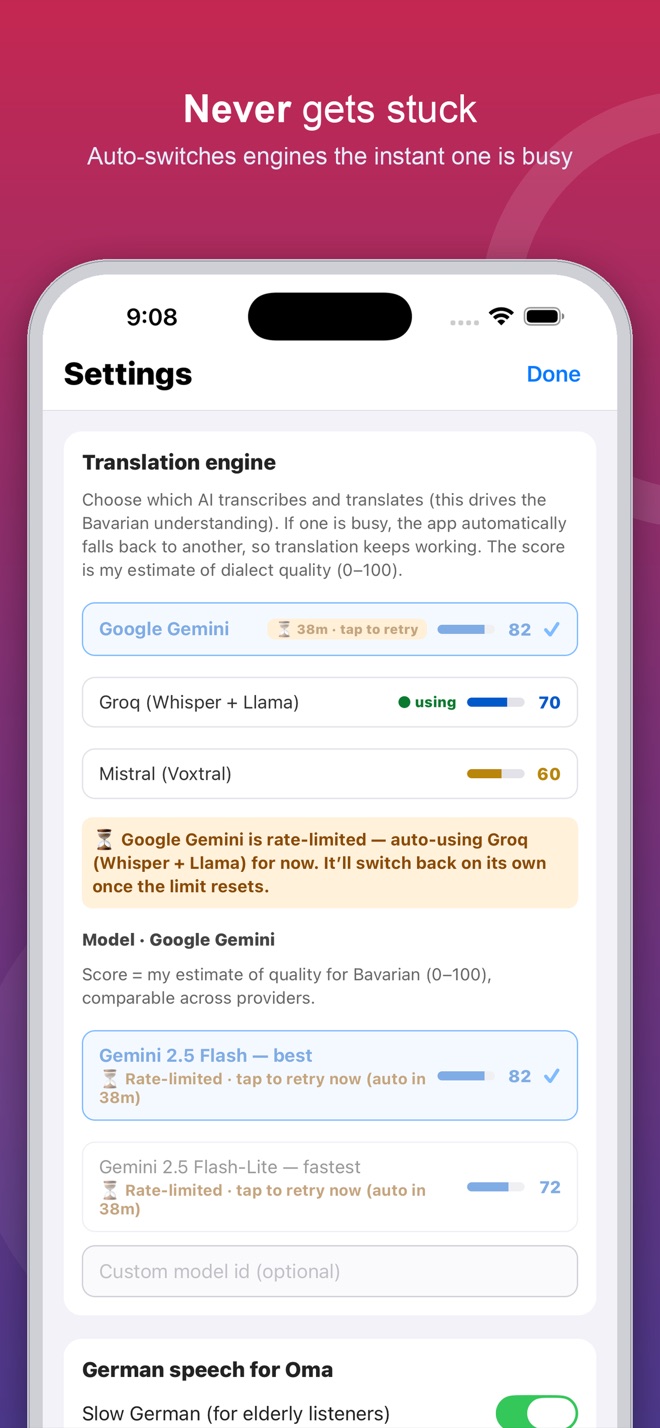
Open ⚙︎ Settings → Translation engine, pick an engine, and paste your key.
3
Start talking
Go back, choose a mode, and have your conversation in two languages at once.
💡 You can add keys for more than one engine. If your chosen engine hits its daily limit, the app automatically switches to the next best one so your conversation never stops.
The three modes
| Mode | How it works | Best for |
|---|
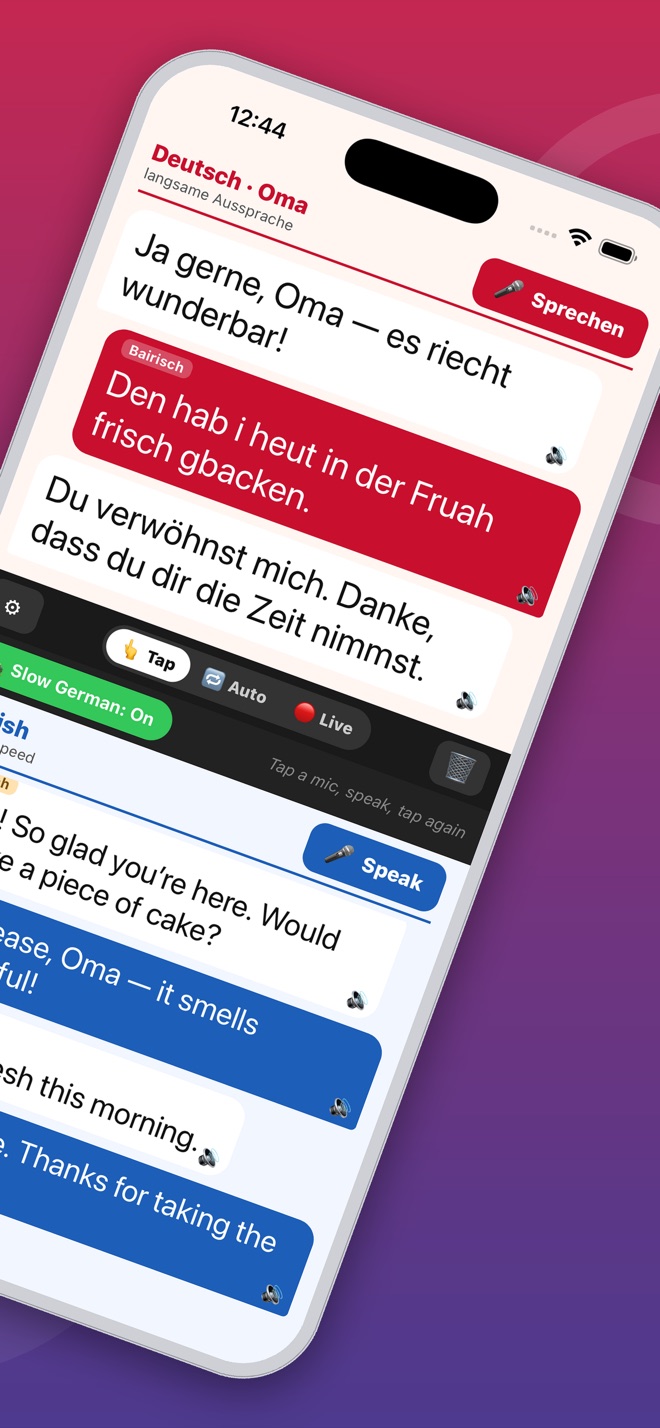
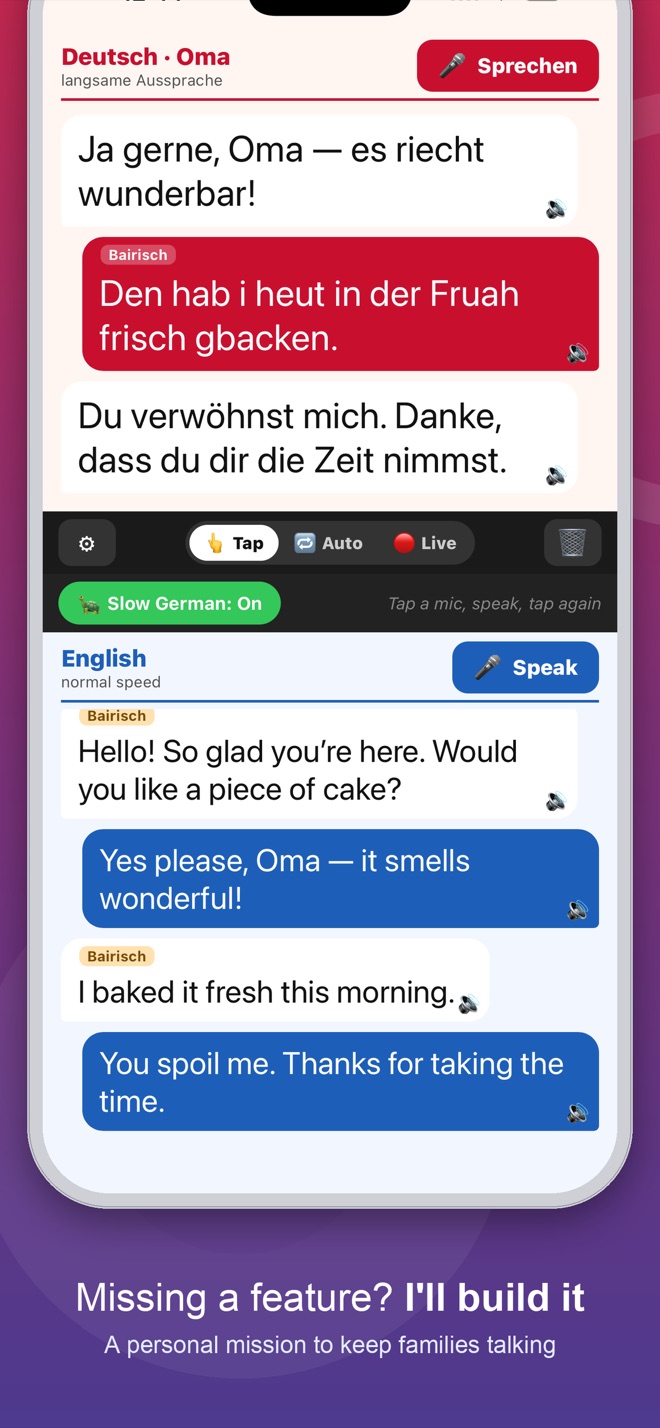
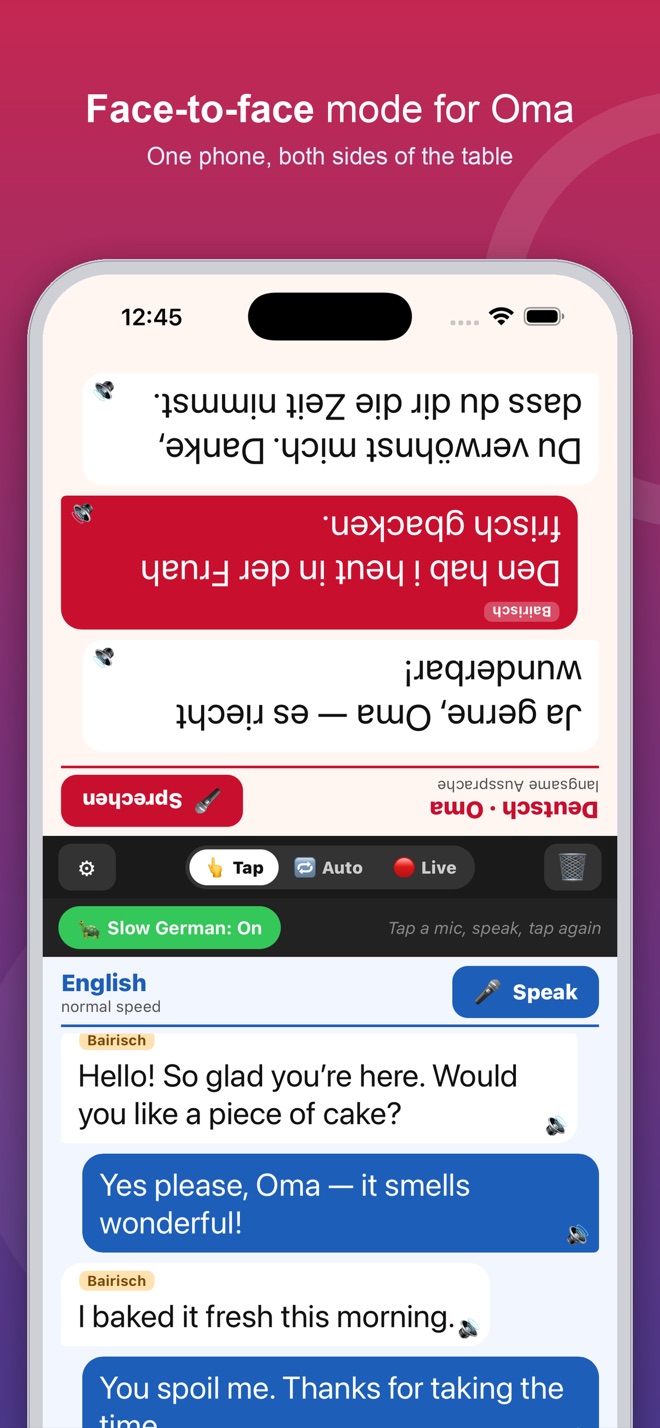
| 👆 Tap | Tap a mic, speak your turn, tap again. Most reliable. | Clear, controlled back-and-forth. |
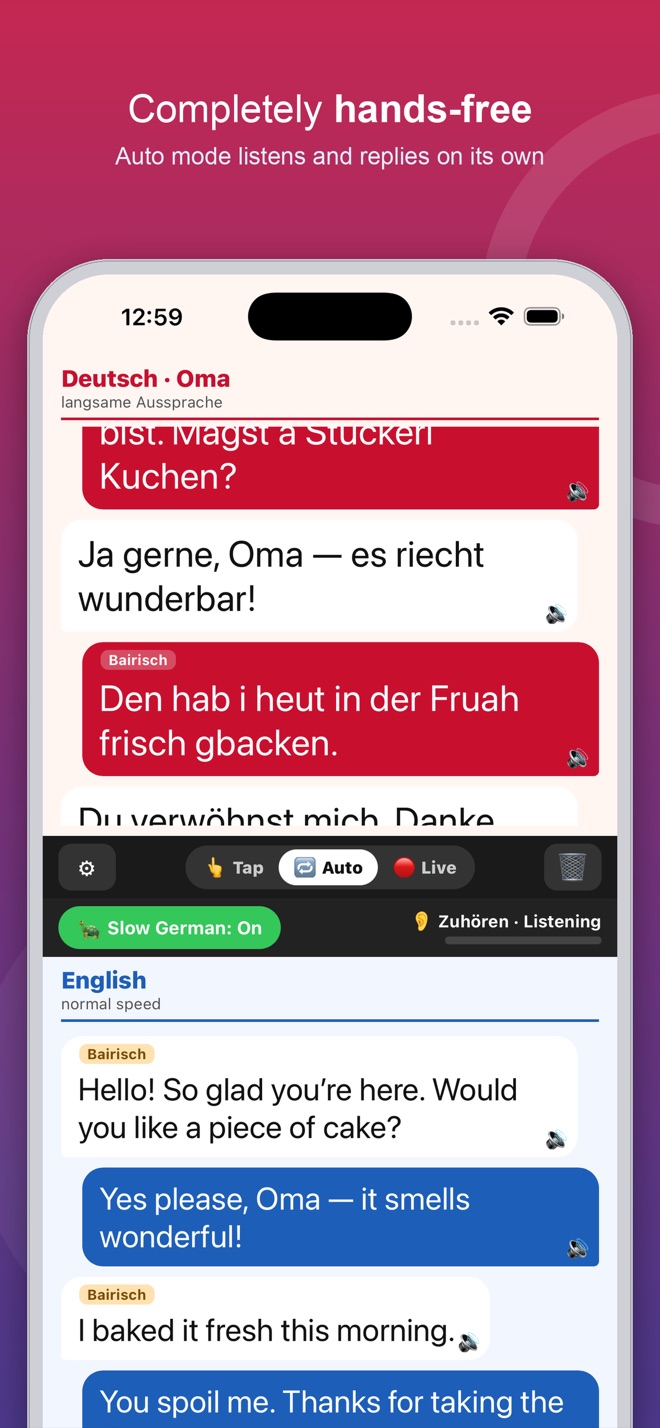
| 🔁 Auto | Hands-free. It listens, detects who spoke, then translates and reads it aloud. | Natural conversation with Oma. |
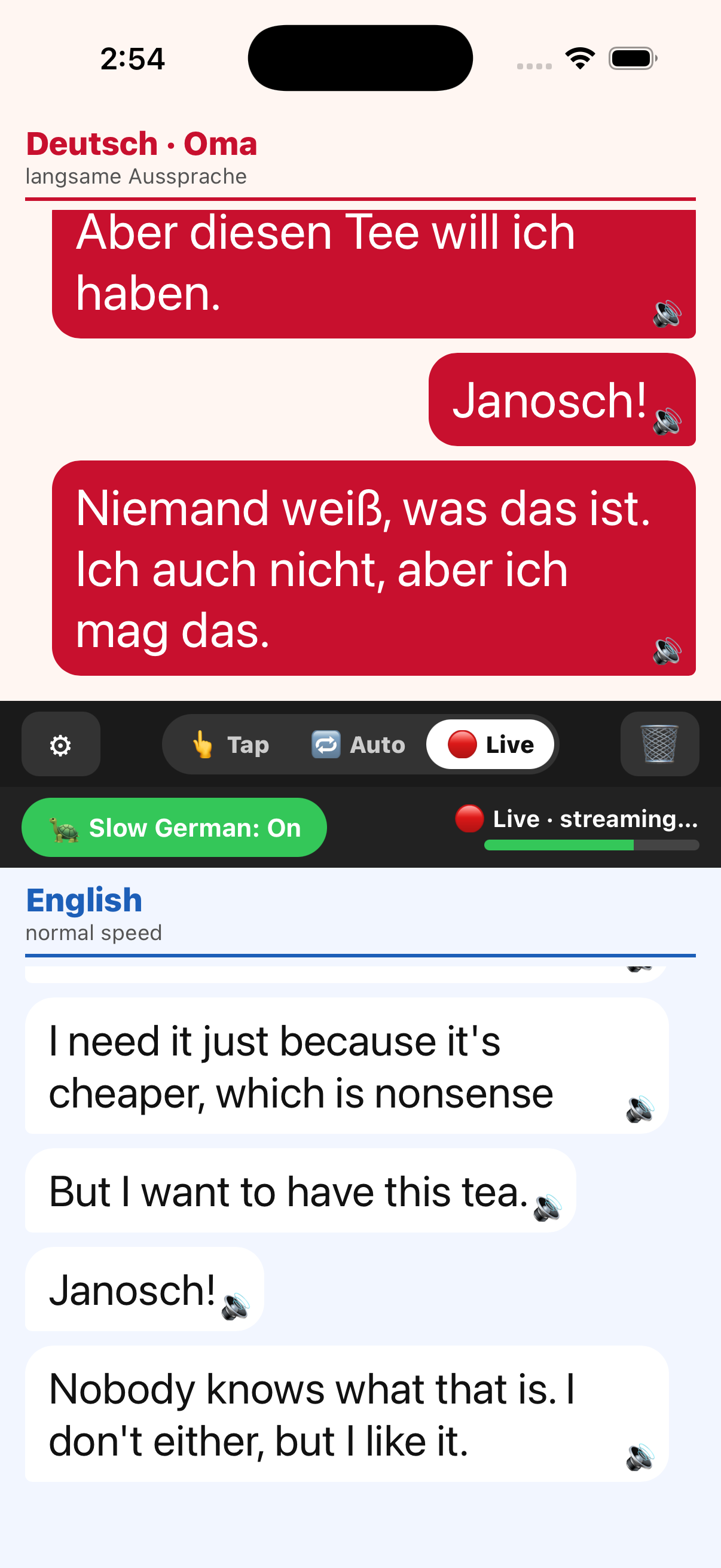
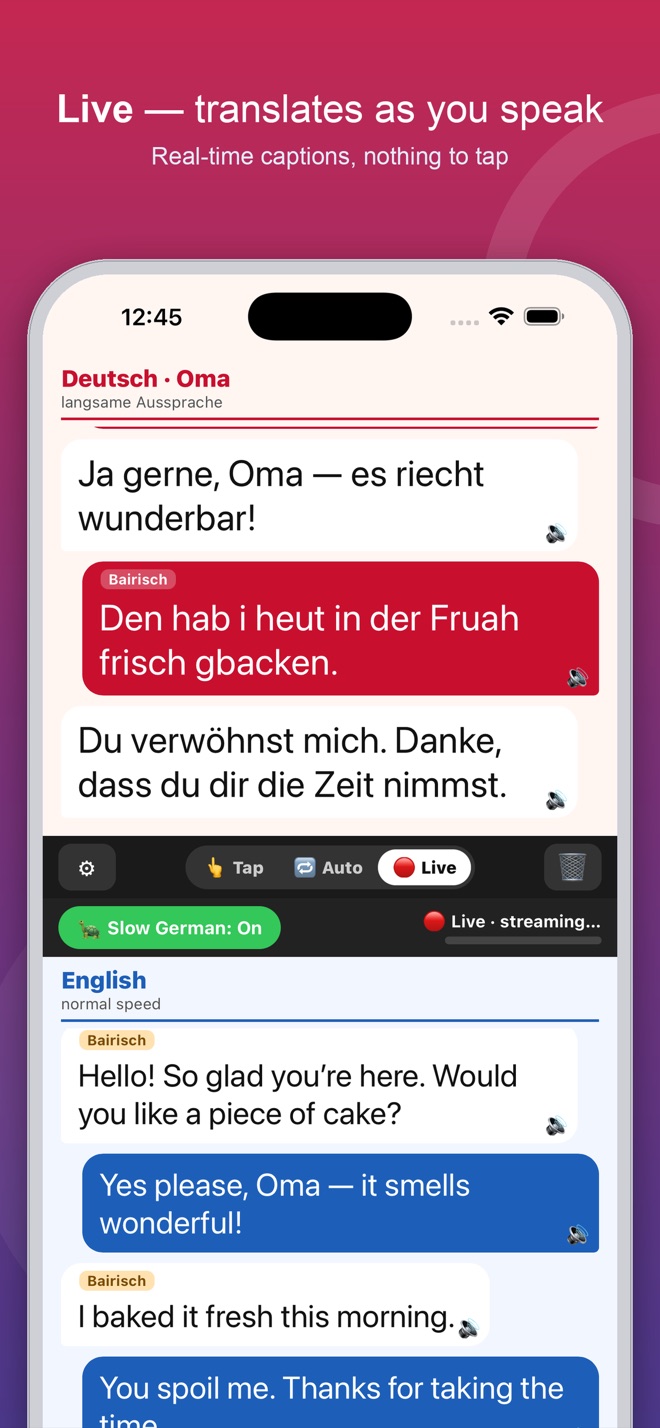
| 🔴 Live | Streams the translated text as you speak, without waiting for you to finish. | Following a longer story. |
Frequently asked questions
Is the app free? Do I have to pay?
The app itself is free. Translation uses a cloud AI through a free API key you create — no credit card required. The free tiers have generous daily limits that are plenty for everyday conversations.
Why do I need to add my own API key?
It keeps the app free and your conversations private: requests go directly from your phone to the AI provider using your key. Nothing is routed through us.
Which engine is best for Bavarian dialect?
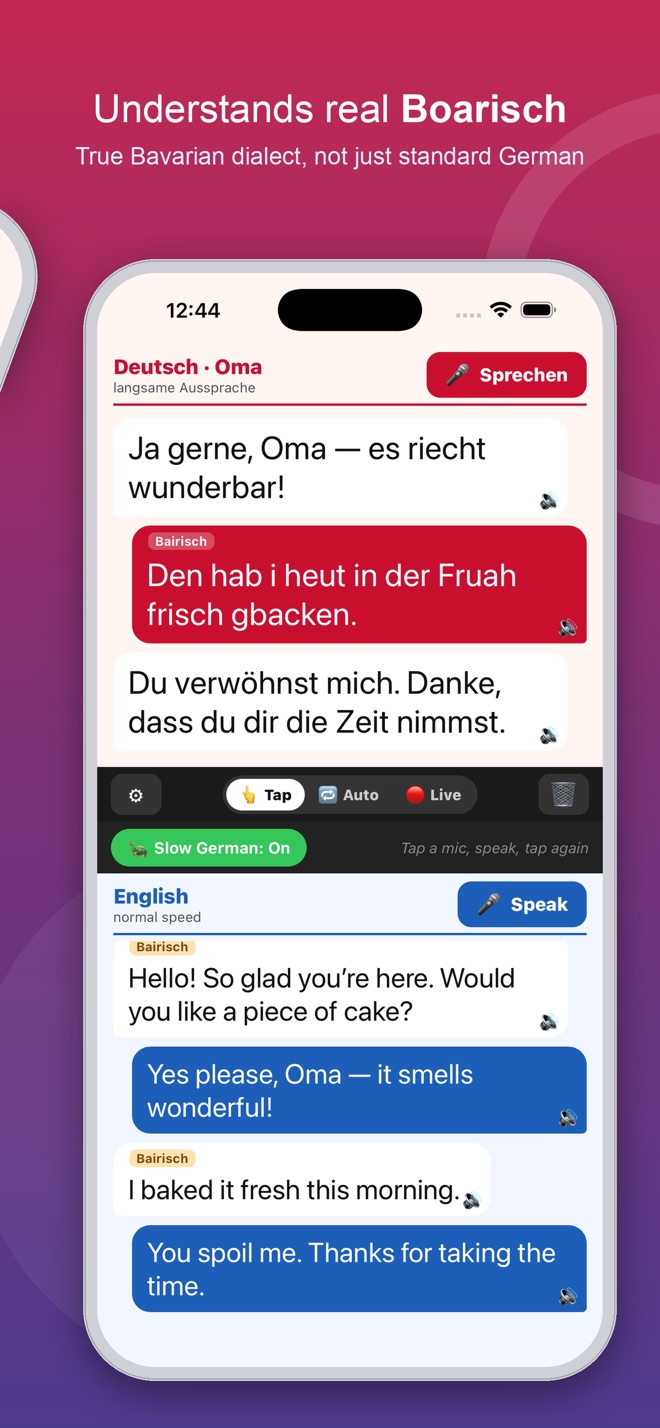
In our testing, Google Gemini handled dialect best, while Groq proved very robust on real Bavarian and has the largest free allowance, and Mistral is strong on clear German. Each engine shows a quality score in Settings so you can compare, and the app auto-switches if one is unavailable.
Is my conversation private?
Your audio is sent only to the translation provider you choose, using your own key, purely to produce the translation. We don't collect, store, or see your audio or translations. Full details are in the
Privacy Policy below.
It said "didn't catch that." What do I do?
Speak a little closer and clearly. In Auto/Live, try setting the Sensitivity to "Sensitive" in Settings. Background noise and long silences can also trip it up.
It switched engines on its own — is that normal?
Yes. When an engine reaches its daily or per-minute limit, the app briefly shows "⚡ switched to …" and continues on the next best engine so your conversation isn't interrupted. The limited engine re-enables itself automatically once its limit resets.
Does it work offline?
Translation needs an internet connection (it's a cloud AI call). The spoken German voice itself works offline.
Translation isn't appearing at all.
Check your internet connection and confirm you added an API key in Settings → Translation engine. If you see "API key rejected," re-copy the key (no extra spaces) and paste it again. If every engine reports a rate limit, wait a little (limits reset within the hour, some overnight) or add a key for another engine so it can switch.
Privacy Policy
Your privacy, simply explained
Effective June 7, 2026 · Last updated June 7, 2026. This policy applies to the Bavarian Translator iOS application published by Mark Utility Labs.
🔒
Short version: Bavarian Translator has no account, no ads, and no tracking. We run no servers and never receive your data. Your audio is sent only to the translation provider you choose (Google, Groq, or Mistral), using your own API key, for the sole purpose of translating it. Your keys and settings stay on your device.
1. Who we are
Bavarian Translator ("the app", "we") is a real-time conversation translator for iOS, published by Mark Utility Labs. This policy explains what data the app handles and how. By using the app you agree to this policy.
2. Information we collect
We, the developer, do not collect, store, or have access to any of your personal information. The app has no user accounts, no login, no analytics or advertising SDKs, and no developer-operated backend server. We cannot see your conversations, your audio, or your translations.
3. Microphone & audio
The app uses your device microphone only while you are actively using it to translate — when you tap to speak (Tap mode) or while a hands-free mode (Auto/Live) is switched on. The captured audio is sent directly from your device to the cloud translation provider you selected, using your own API key, for the single purpose of transcribing and translating it. The app does not record your audio to a file, does not keep it after the translation is returned, and never sends it to us.
4. Third-party translation providers
To translate, the app sends your audio to whichever provider you enable in Settings. Your use of that provider is governed by their terms and privacy policy, not ours:
You choose the provider, and you supply your own API key, so the request is made under your own account with that provider. We recommend reviewing the privacy policy of whichever provider you use. The optional ElevenLabs voice feature is off by default; if you turn it on, only the German text to be spoken is sent to ElevenLabs.
5. Data stored on your device
The following is stored locally on your device only, and is never transmitted to us:
- API keys you enter, and your app settings (chosen engine, voice, speed, mode), saved on the device so you don't have to re-enter them.
- Conversation text shown on screen is held only in the app's memory during a session and is cleared when you tap the trash button or close the app. It is not written to a file.
You can remove all of this at any time by clearing the conversation in-app and/or deleting the app from your device.
6. How your information is used
Audio you speak is used solely to produce a translation, in real time, via the provider you selected. We do not use your data for advertising, profiling, model training, or any secondary purpose, and we do not sell or share it — because we never receive it.
7. Children's privacy
The app is not directed to children under 13 and does not knowingly collect personal information from them. Because the app collects no personal information at all, no such data is gathered from any user.
8. International users
The translation provider you choose may process your audio on servers located in other countries. Please review that provider's privacy policy (linked above) for details on international data handling.
9. Changes to this policy
If this policy changes, we will update this page and revise the "Last updated" date above. Material changes will be reflected here before they take effect.
10. Contact us
Questions about this policy or your privacy? Please contact us at:
Mark Utility Labs
Email: mark@vibecode.review
Terms of Use
The short, plain-English terms
Last updated: August 2, 2026. These terms cover the Bavarian Translator iOS application published by Mark Utility Labs.
✅
Short version: Bavarian Translator is free, with every feature included — no ads, no subscriptions, no in-app purchases. Use it however you like.
1. The app is free
Bavarian Translator is provided free of charge with all features included. There are no purchases, subscriptions, paid tiers, or advertisements.
2. Use your own judgment
Bavarian Translator is provided as a convenience tool. Software can contain mistakes, so for anything critical please confirm against an authoritative source. Mark Utility Labs is not liable for losses arising from use of the app.
3. No warranty
The app is provided "as is" and "as available", without warranties of any kind, express or implied, including fitness for a particular purpose.
4. Acceptable use
Please don't reverse engineer, resell, or pass the app off as your own. That's the whole list.
5. Changes to these terms
If these terms change, we'll update the "Last updated" date above. Continued use after a change means you accept the updated terms.
6. Contact us
Questions about these terms? Please contact us at:
Mark Utility Labs
Email: mark@vibecode.review
 Real-Time German ↔ English